Check your backup, note the fault and never share a password in a quote request.
Check your backup if the phone is accessible
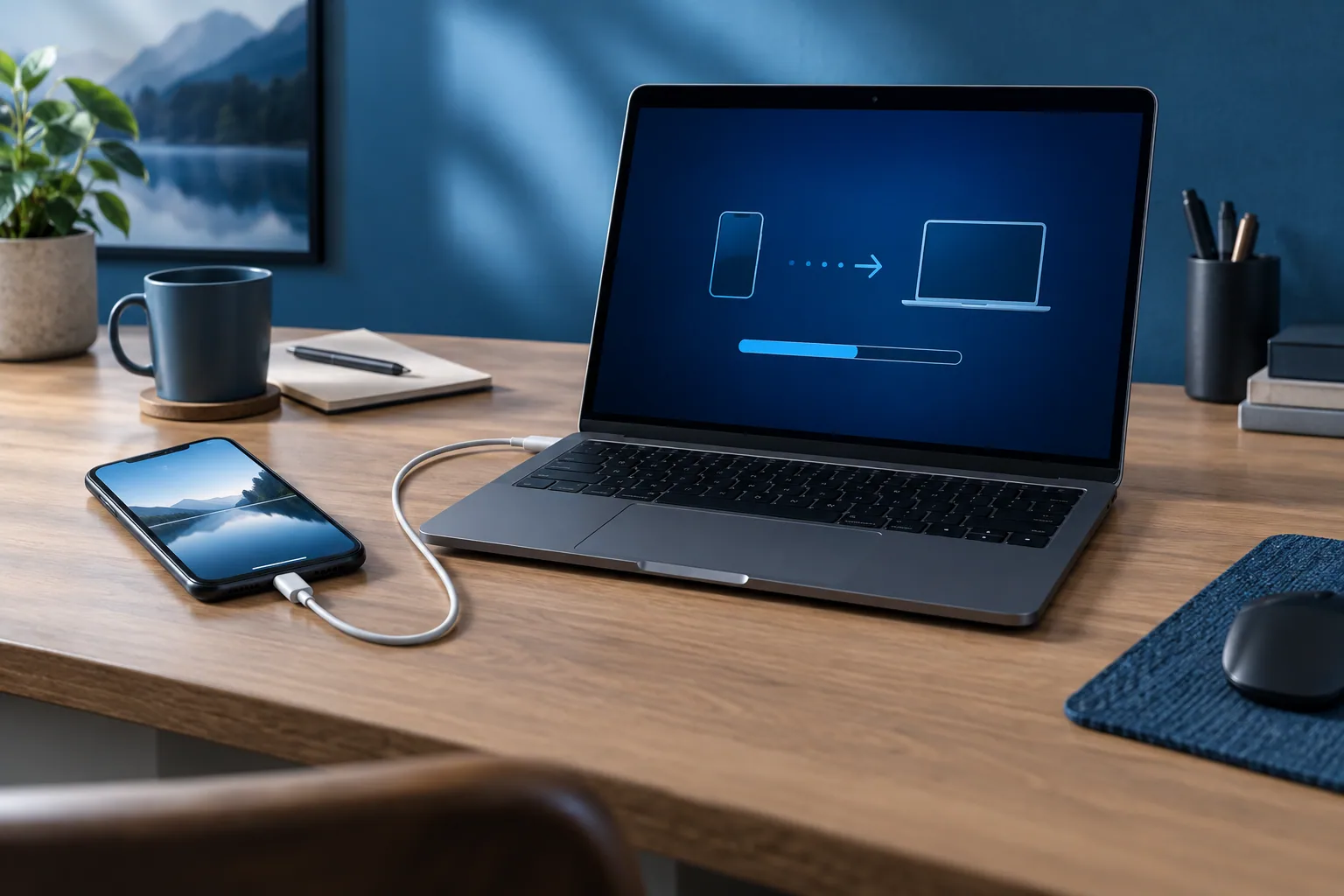
Before a repair, a recent copy of your important information is a useful precaution. Check that it really exists and matches what you want to keep. Simply having an account doesn’t confirm that all your data is backed up there.
Apple recommends backing up the device before a repair. The options and what is included vary by method. Check the manufacturer’s official help for the steps for your phone.
Gather the information useful for the diagnosis
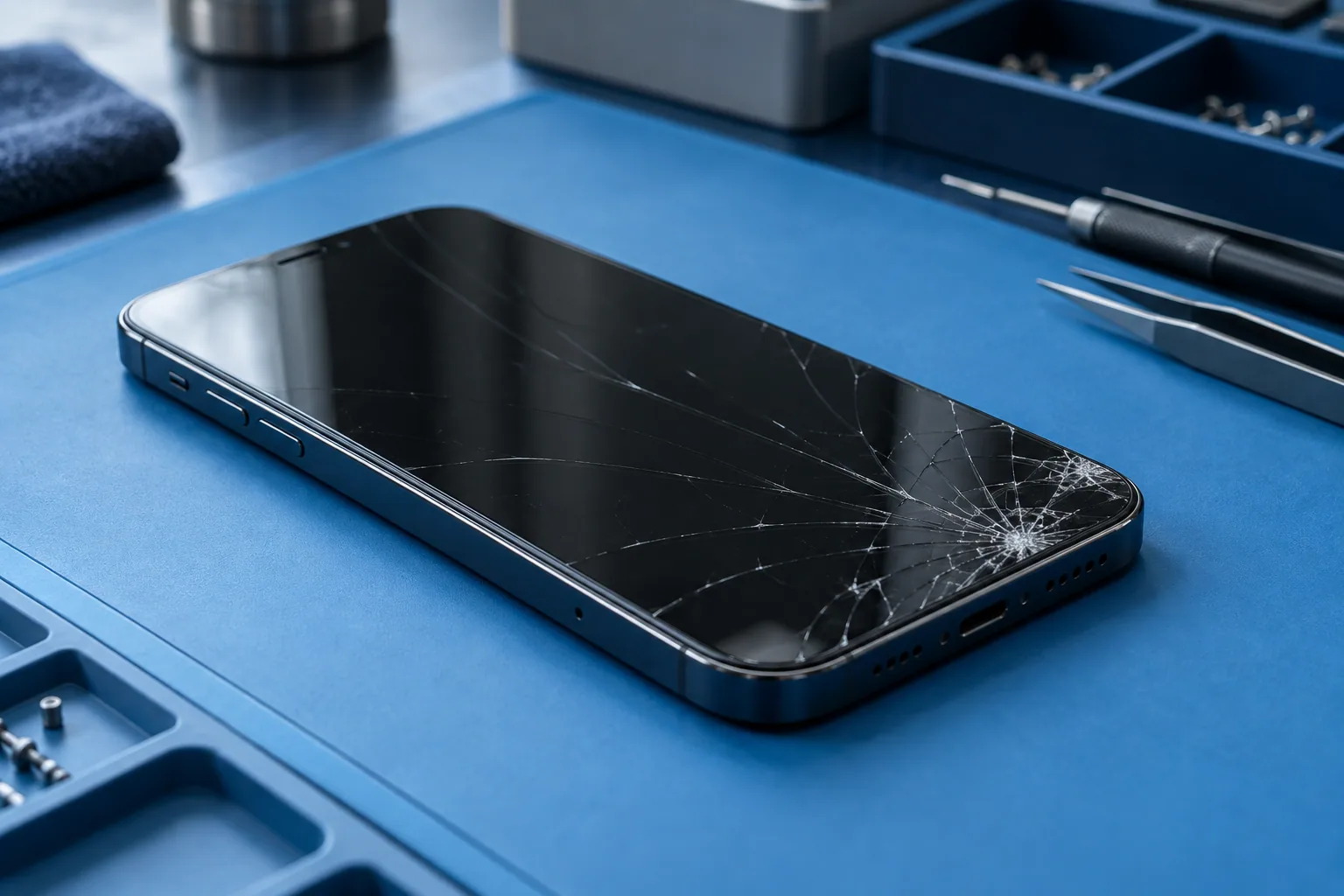
Note the brand, the model and the symptoms. Add what happened before the fault and what you have already tried. A short, precise description avoids unnecessary checks.
If the device no longer turns on or the screen doesn’t respond, say so. You don’t need to force it to complete a preparation checklist. Explain what is still accessible and what is not.
Keep your logins under your control
Never write an account password or unlock code in a quote form. Ask which tests are planned and why access would be needed. Any action on an account should be explained.
Apple’s procedure for its own repair network includes specific steps. They should not be applied automatically to another repair. Confirm what your repair needs before changing security settings.
Agree on the details before drop-off
Ask what is planned, the quote, the expected timing and the warranty. Point out which data matters and the state of your backup. No repair should be taken as an implied guarantee that data will be kept or recovered.
When you collect the device, ask for the work done and any useful advice to be explained. If a restore is needed, use your own logins and a known backup. Keep the repair details so you can ask a precise question later.
Need a diagnosis in Brussels?
For your first contact with Magic Mobile, the model and the symptoms are enough. Say whether the device is inaccessible and whether your data matters. Workshop Magic Mobile : Rue des Vétérinaires 90, 1070 Anderlecht (near Brussels-Midi station & Saint-Gilles) · Phone/WhatsApp +32 499 84 51 07 · Free quote (4.7/5 · 160+ Google reviews).
See how we can helpSources and notes
Checks depend on the model. Read your manufacturer’s instructions before doing anything.