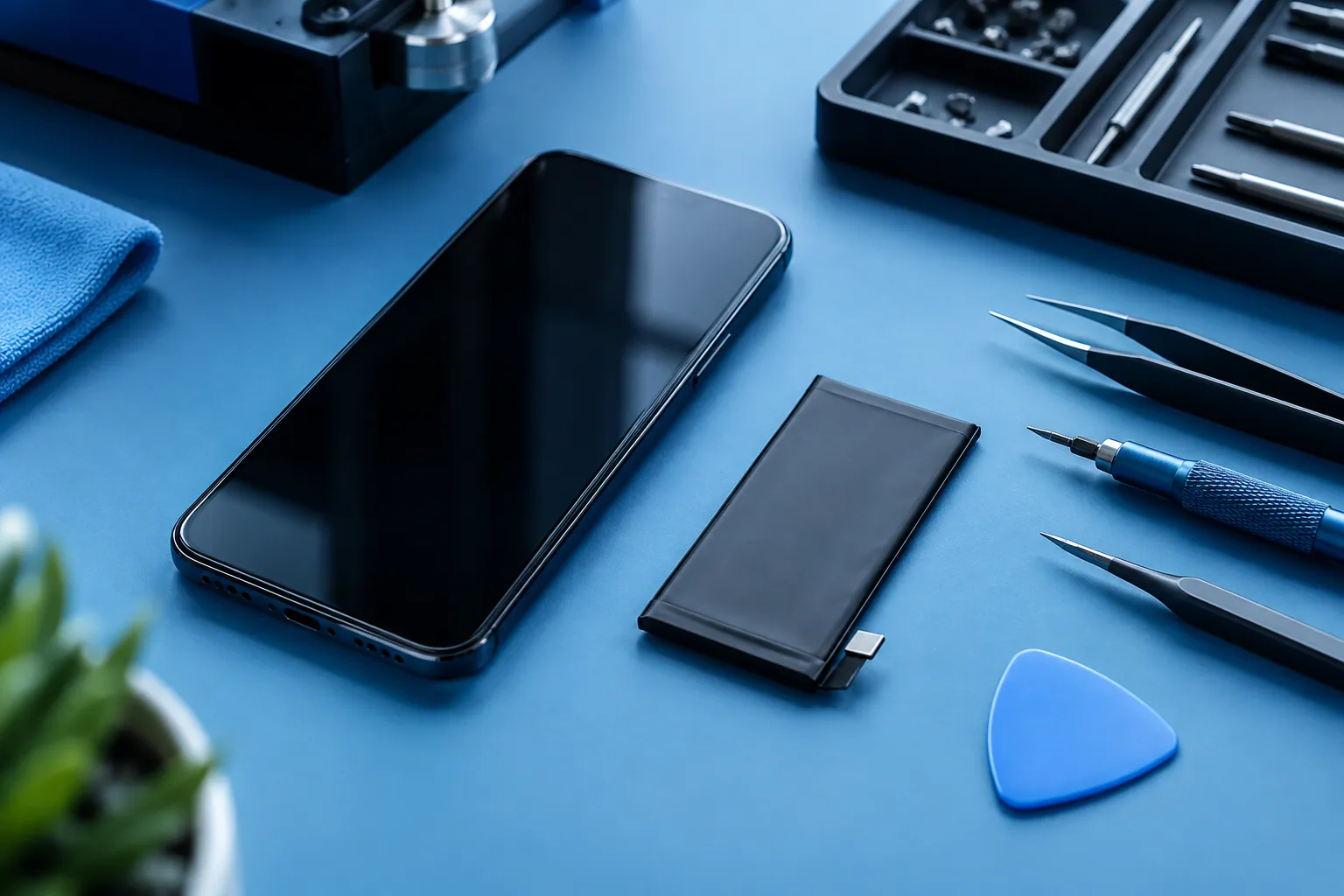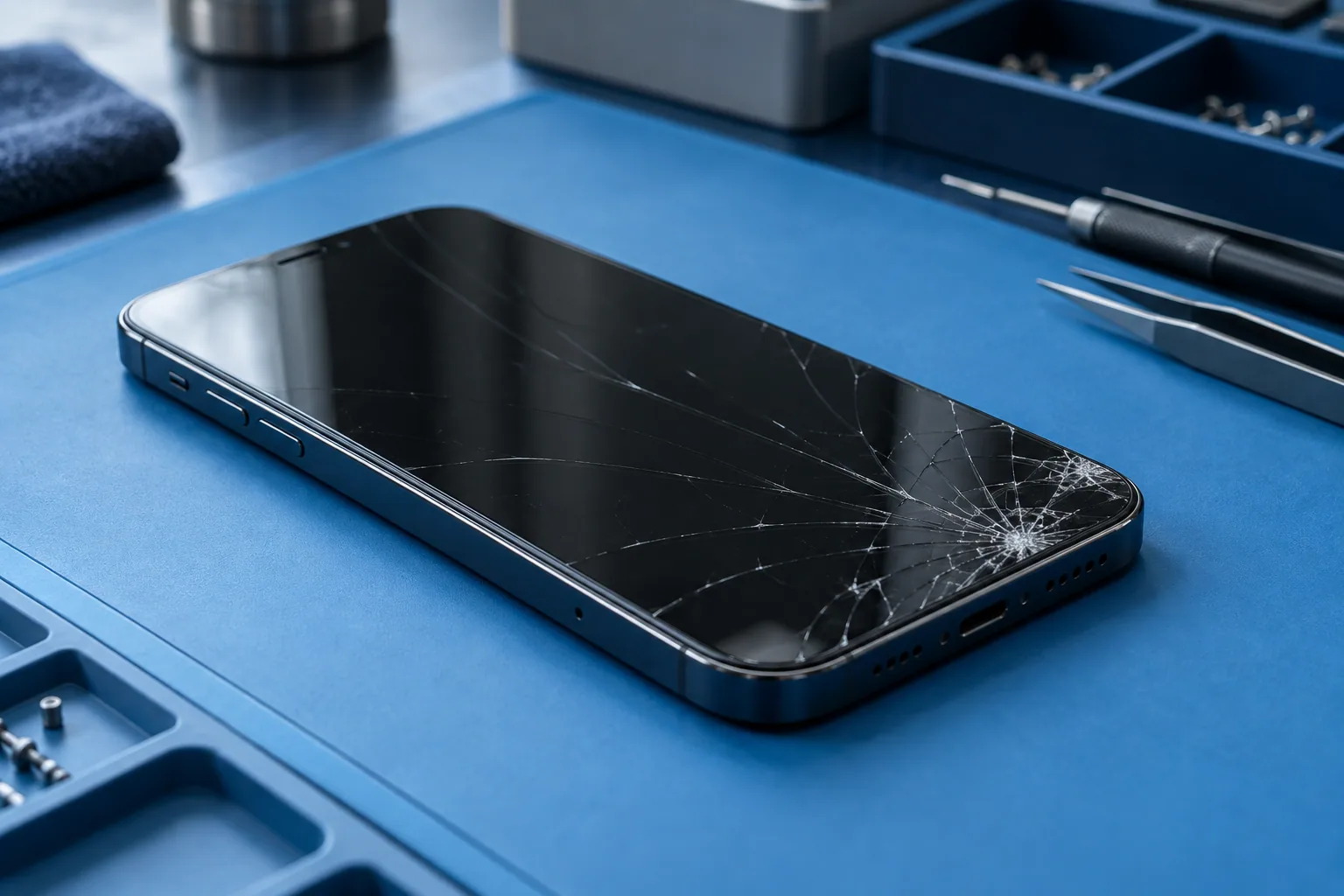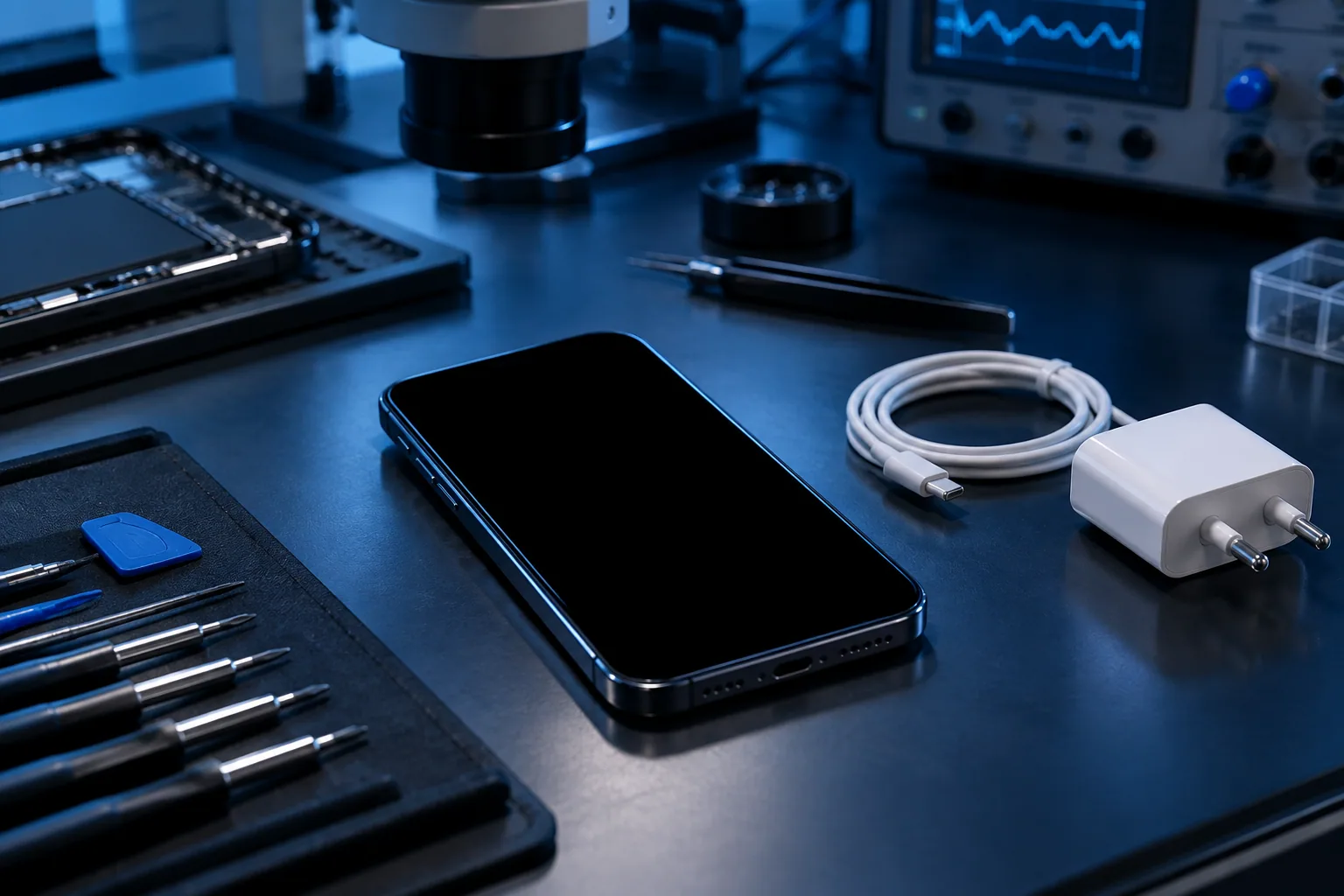
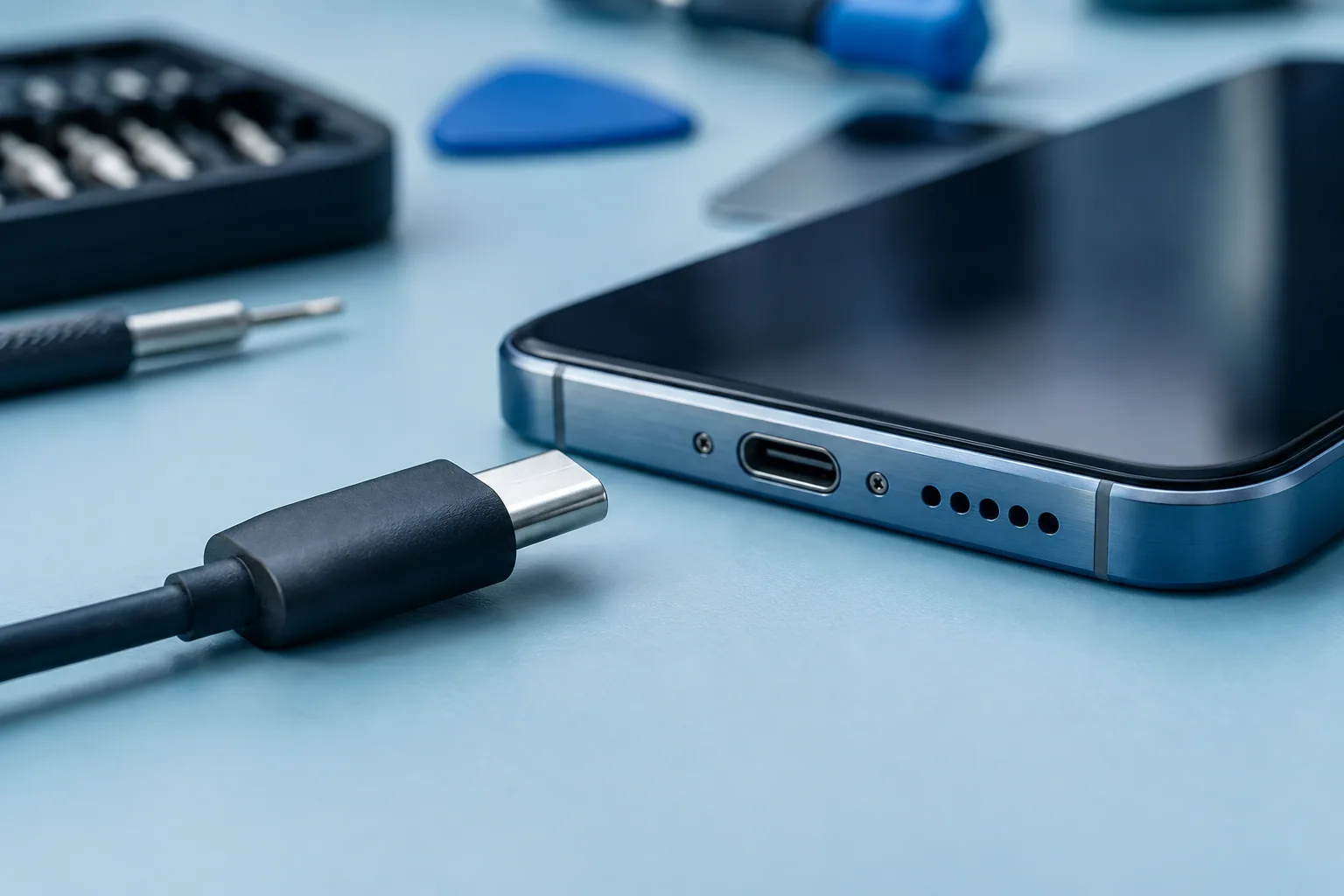
Start with the accessories and the socket. If the port is damp, damaged or unusually hot, stop testing.
Observe what is really happening
Does the phone show nothing, charge only in one position or lose charge while plugged in? These situations don’t necessarily describe the same fault. Note whether a battery icon appears, whether the cable sits properly and whether you have already tried another accessory.
A black screen alone doesn’t prove the battery is faulty. A device can have a display, power or startup problem. This first list of symptoms is useful for the diagnosis.
Check one thing at a time
On a dry device with no visible damage, try a working socket, then a compatible cable and adapter in good condition. Change one item at a time: that way you know which test changed the behaviour.
Look at the outside of the port in good light, without inserting anything. If the cable no longer stays in or the port looks damaged, don’t force it. Check the manufacturer’s advice for tests specific to your model.
Heat or moisture change what you should do
A phone that is too hot may limit charging. Let it return naturally to a normal temperature in a suitable place. A liquid warning means unplugging the cable and following the manufacturer’s instructions.
Don’t try to make up for a poor connection by holding the cable bent. If the device gets unusually hot or is damaged, stop testing and ask for advice.
When to ask for a diagnosis?
If several compatible accessories give the same result, or charging stays intermittent, an examination is better. The port, the battery and other components may be the cause; the choice of repair depends on the diagnosis.
For your request, prepare the exact model, the circumstances of the fault and the result of your tests. A description like ‘only charges if I move the cable’ is more useful than a guess like ‘dead battery’.
Need a diagnosis in Brussels?
Give the model, how charging behaves and the accessories already tried. Magic Mobile looks at charging and port problems in the Anderlecht shop; some repairs are possible at home after confirmation. Workshop Magic Mobile : Rue des Vétérinaires 90, 1070 Anderlecht (near Brussels-Midi station & Saint-Gilles) · Phone/WhatsApp +32 499 84 51 07 · Free quote (4.7/5 · 160+ Google reviews).
See how we can helpSources and notes
Checks depend on the model. Read your manufacturer’s instructions before doing anything.