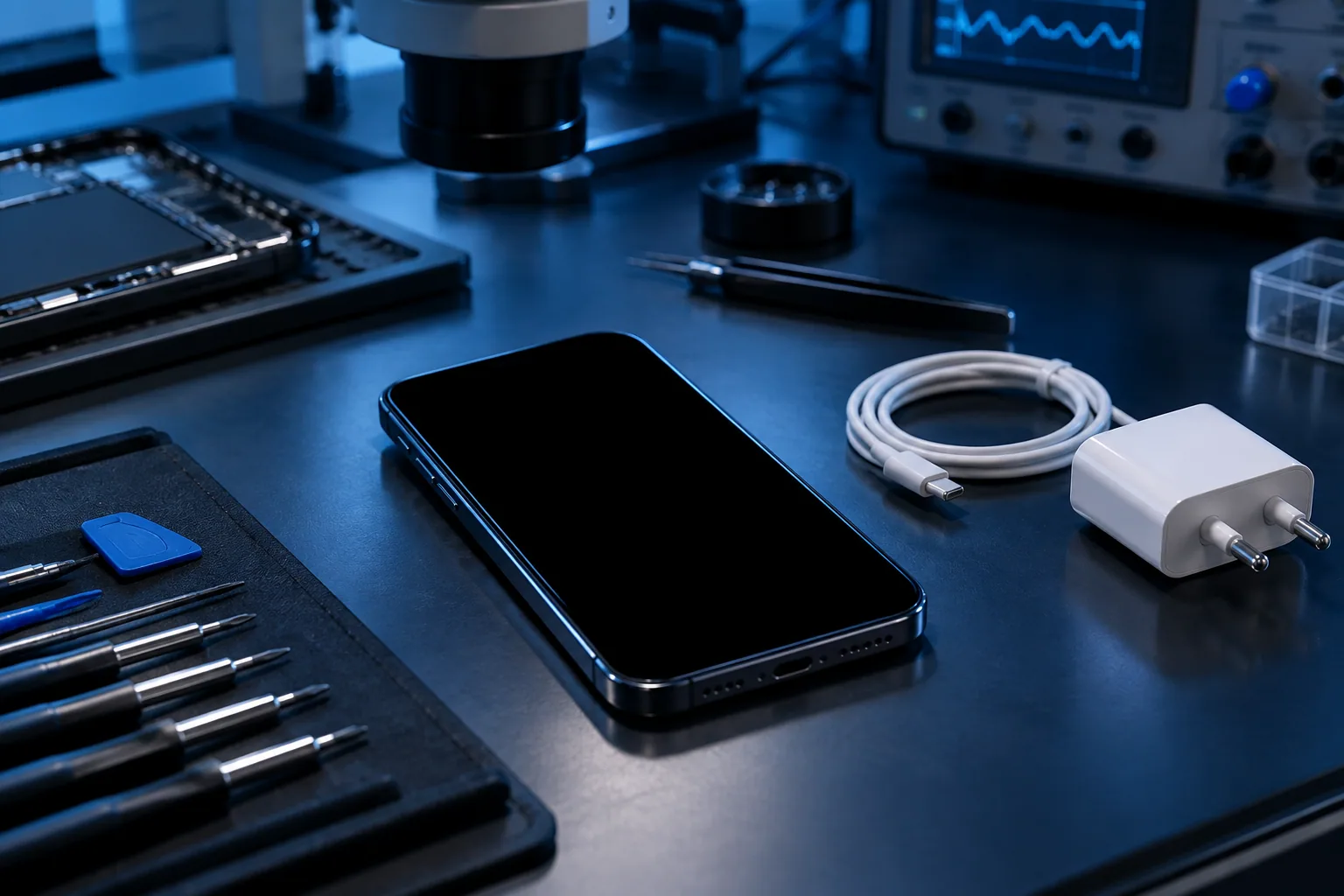
Check the power with suitable accessories and look up the restart procedure for your model. Don’t start an erase just to test.
Note the signs of life
Does the phone vibrate, make a sound or briefly show a symbol? Note these clues. They help tell apart a device that seems completely off from a phone whose screen no longer shows a picture.
Also remember what came before the fault: an almost empty battery, a drop, an update or normal use. The context helps, but doesn’t confirm the cause on its own. Avoid ordering a part based only on that guess.
Try a known, suitable power source
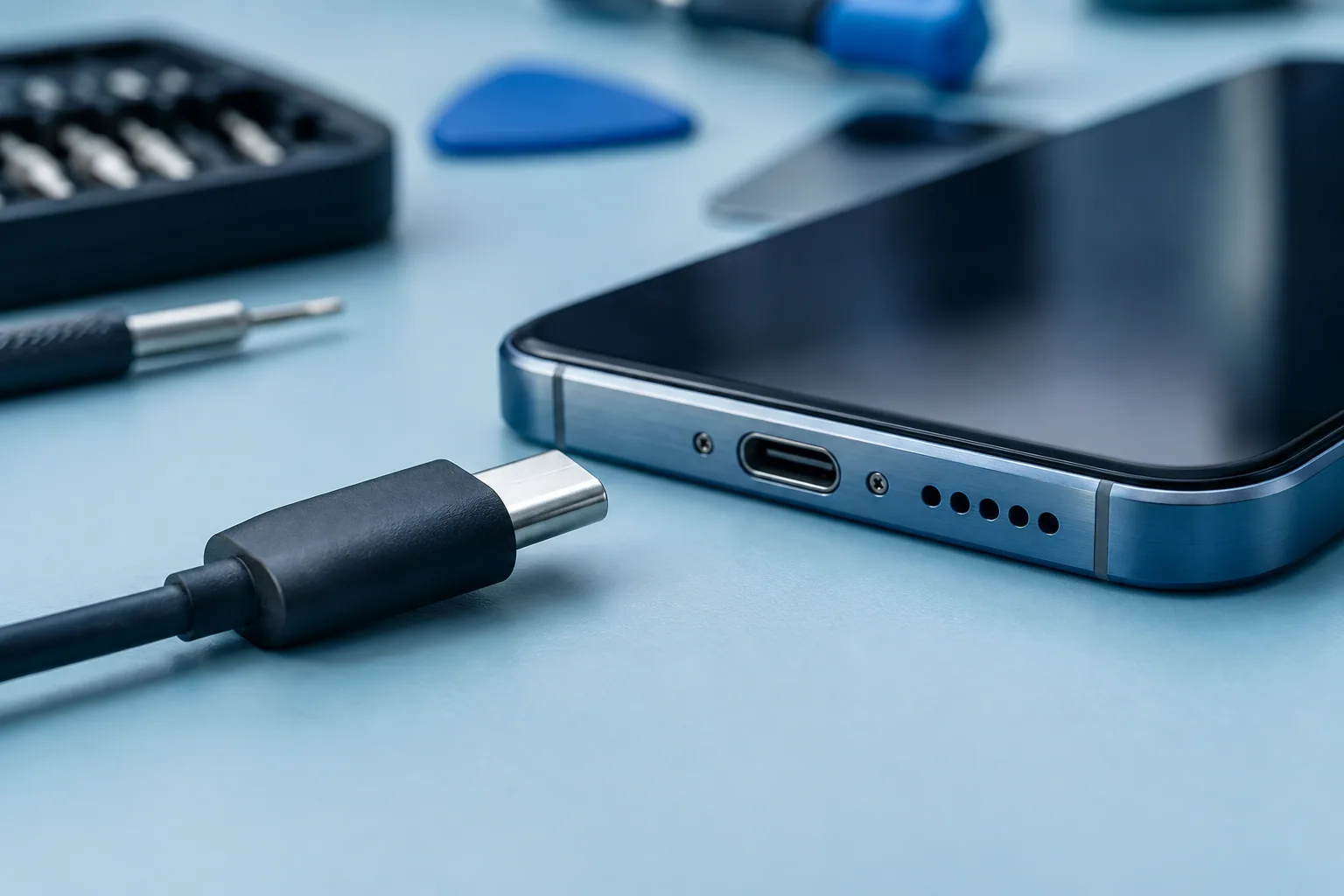
If the device is dry and shows no worrying damage, check the socket, the cable and the adapter. An incompatible or faulty accessory can prevent normal charging. Give the phone time to respond as the manufacturer instructs before concluding.
The restart procedure varies from model to model. Check the official help for your device rather than trying several button combinations without knowing what they do.
Don’t confuse restarting with resetting
Restarting a device and erasing its contents are two different operations. Some recovery options can delete data. Don’t confirm an erase command just to see if the phone restarts.
If an unusual menu or message appears, note what it says before going further. Also say whether the data matters and whether a backup exists. This makes the repair discussion better informed.
When should you stop testing?
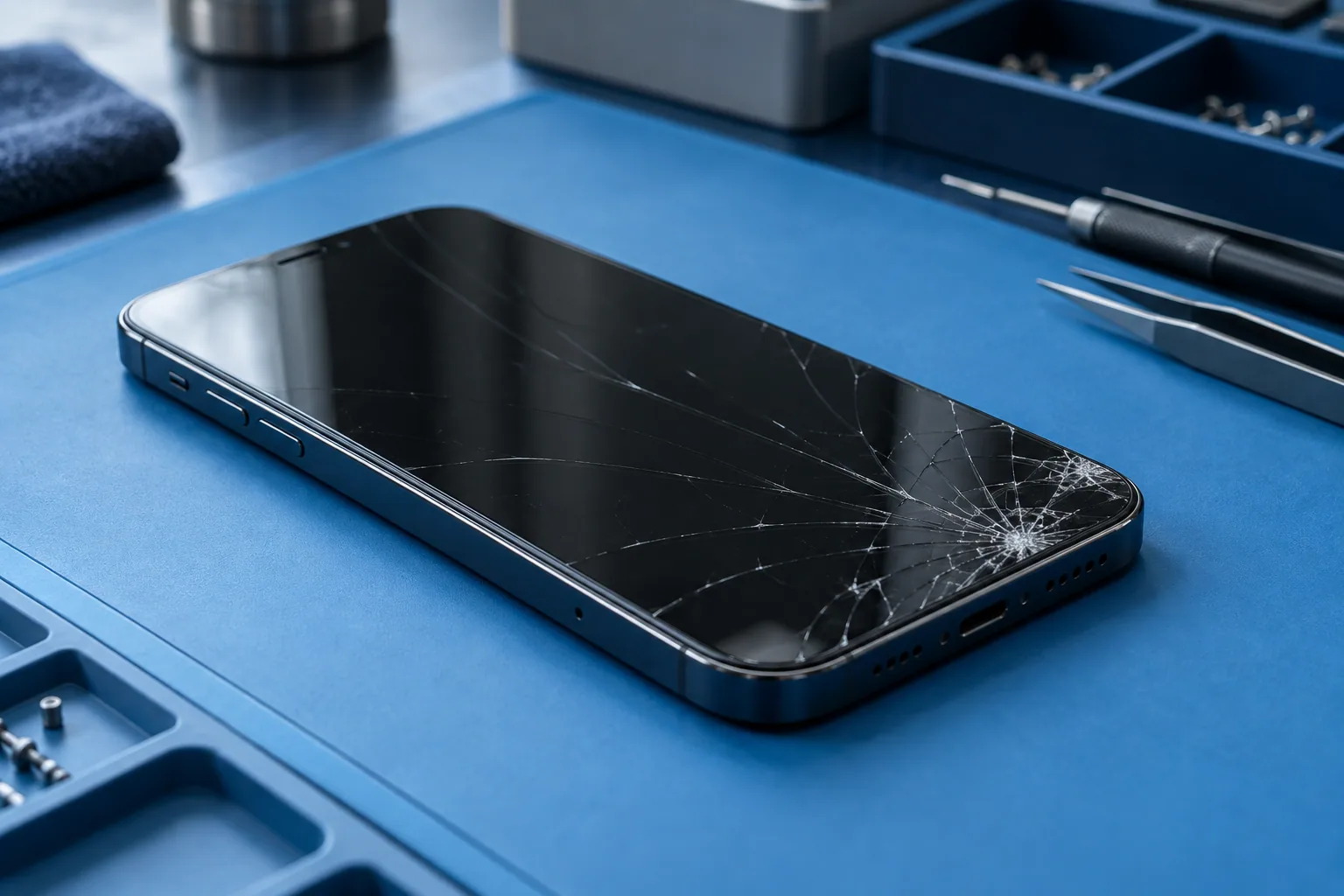
If there is moisture, bulging or abnormal heat, stop charging. An inspection is better. If simple, suitable tests have no effect, the diagnosis should look at the different possible causes.
When you get in touch, give the exact model, the accessories used, the signs of life and the context. Saying ‘the phone vibrates but the screen stays black’ helps more than ‘it’s completely dead’.
Need a diagnosis in Brussels?
Give the model, the signs of life and what happened before the fault. Magic Mobile will point you to the right diagnosis. Workshop Magic Mobile : Rue des Vétérinaires 90, 1070 Anderlecht (near Brussels-Midi station & Saint-Gilles) · Phone/WhatsApp +32 499 84 51 07 · Free quote (4.7/5 · 160+ Google reviews).
See how we can helpSources and notes
Checks depend on the model. Read your manufacturer’s instructions before doing anything.