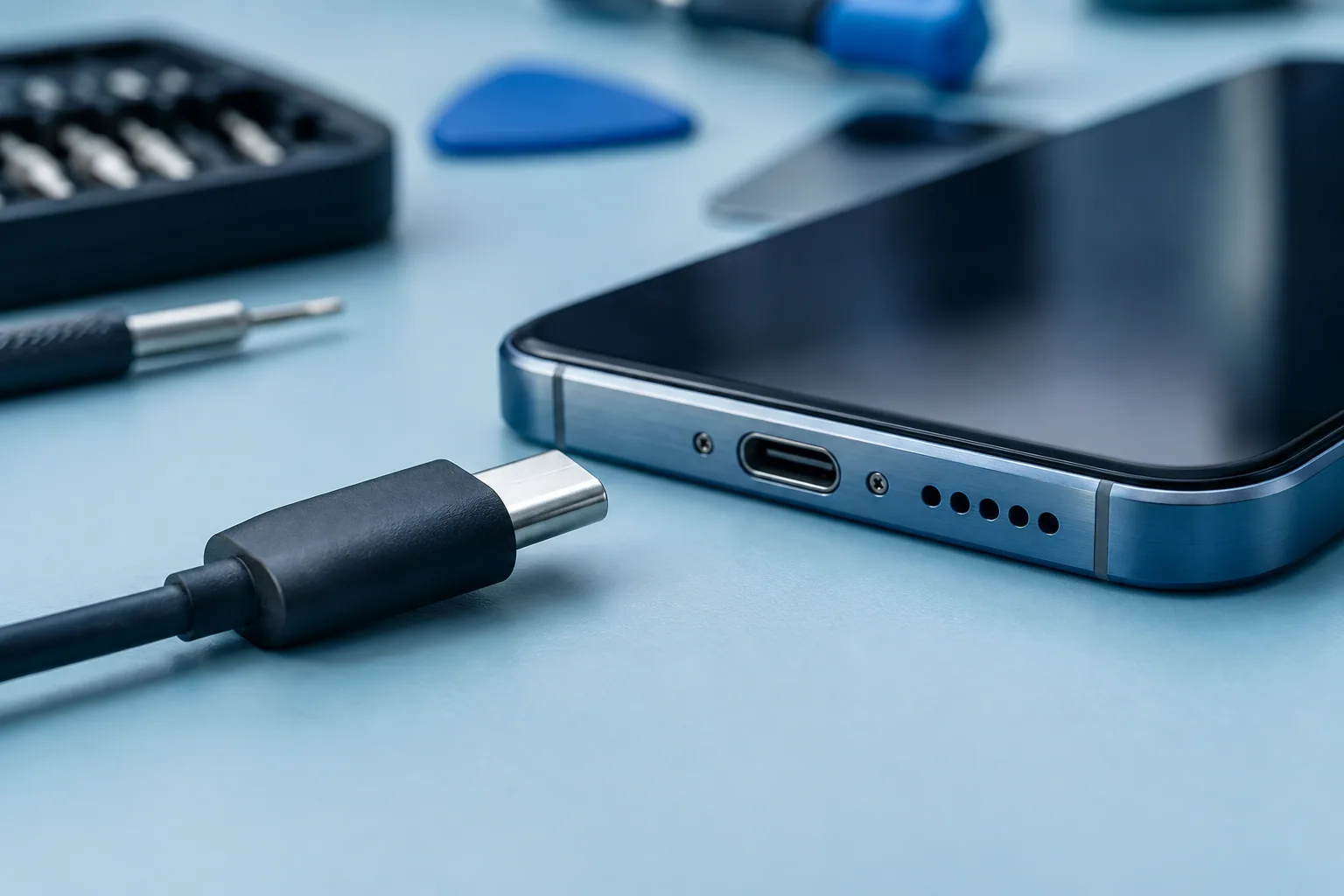
My phone won't charge: what should I check first?
Before assuming the battery is dead, a few simple checks can help pinpoint a charging issue.
Read guide (FR)
Practical troubleshooting guides to help you understand your device and prepare for a repair.
Accessible troubleshooting guides (in French), grounded in manufacturer recommendations.
Before assuming the battery is dead, a few simple checks can help pinpoint a charging issue.
Read guide (FR)Reduced battery life can stem from usage, settings, or battery wear. Here is how to tell the difference.
Read guide (FR)Cracked glass, unresponsive touch or black display: note the symptoms before booking your screen repair.
Read guide (FR)A black screen can have several causes. Look for signs of life before forcing repeated restarts.
Read guide (FR)Phones can warm up during heavy tasks, but persistent heat or warnings mean it's time to check the device.
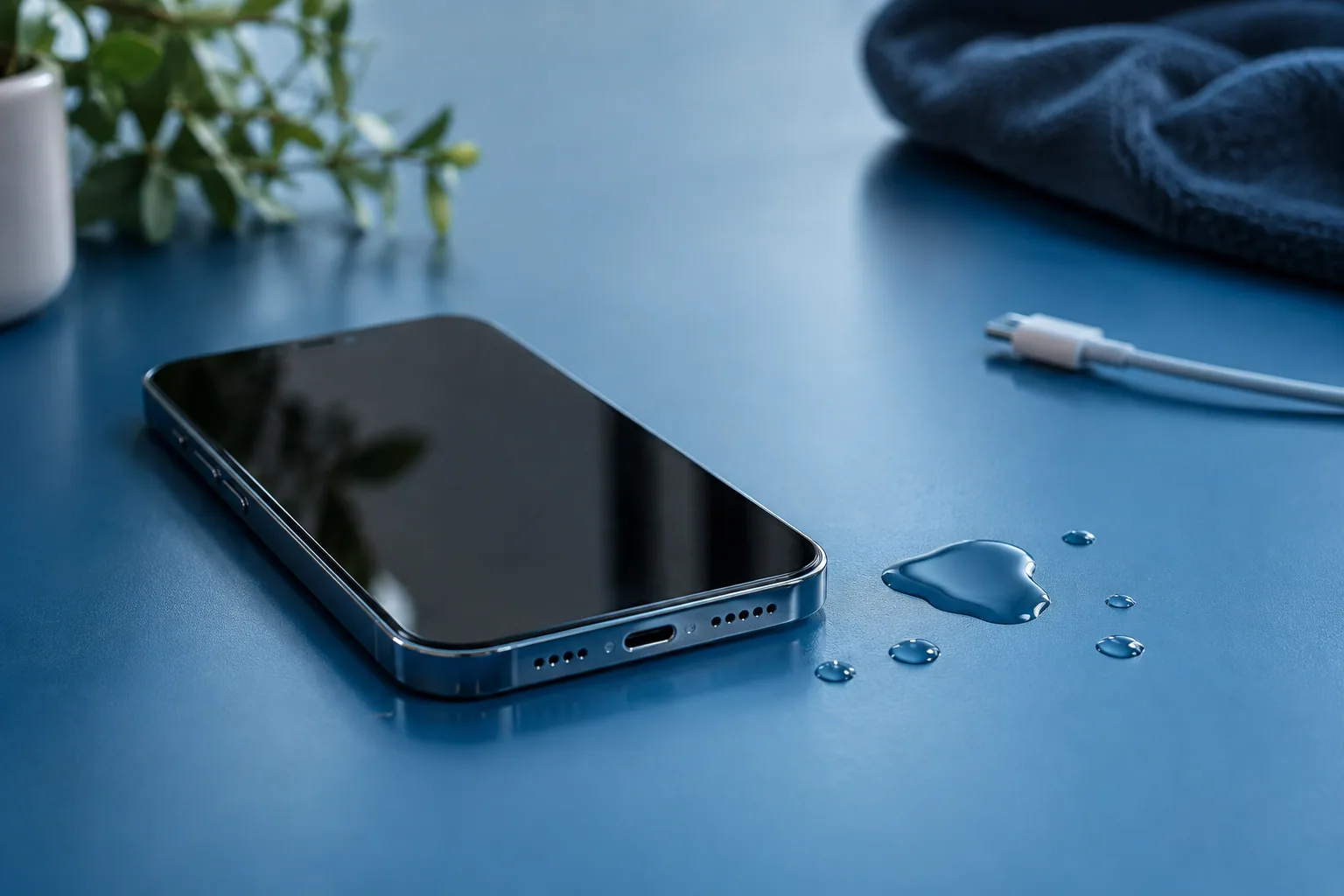
Read guide (FR)After liquid exposure, the priority is preventing short circuits and avoiding common drying myths.
Read guide (FR)Lag can affect a single app, network connectivity, or the entire phone. Start by narrowing down what's slowing down.
Read guide (FR)The right choice depends on the fault, the quote, and your needs. Here is a simple way to decide.
Read guide (FR)A few quick steps make drop-off smoother and help you keep your personal data backed up and secure.
Read guide (FR)No charging at all and short battery life are two distinct issues. Telling them apart helps prepare an accurate diagnostic.
Read guide (FR)Does your character or camera move without touching the thumbstick? Check the basics and have your controller inspected if drift persists.
Read guide (FR)A charging or startup failure doesn't always mean the motherboard is damaged. Learn what micro-soldering does and what to check first.
Read guide (FR)Share your exact model and a few words about the issue—let's start from there.