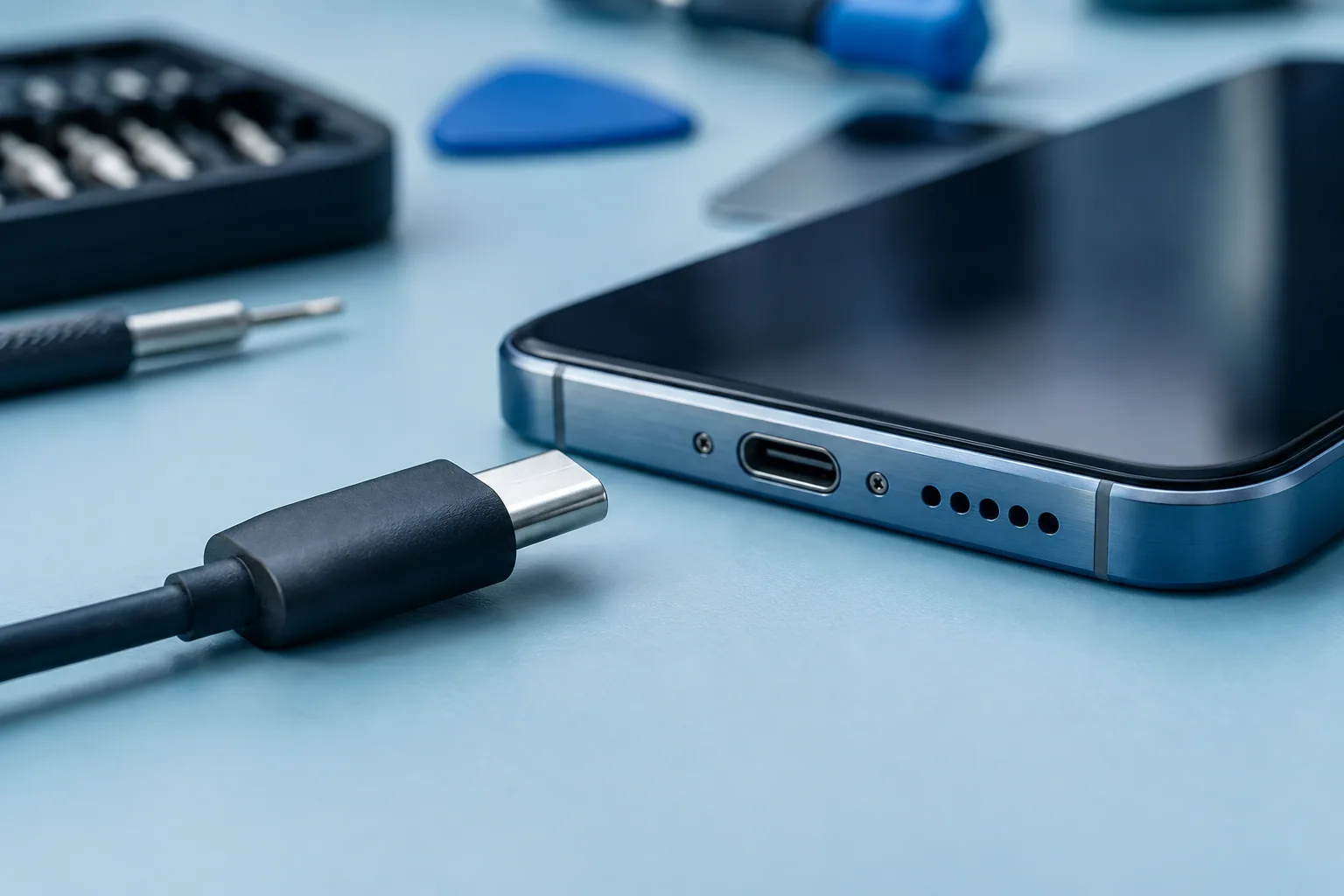
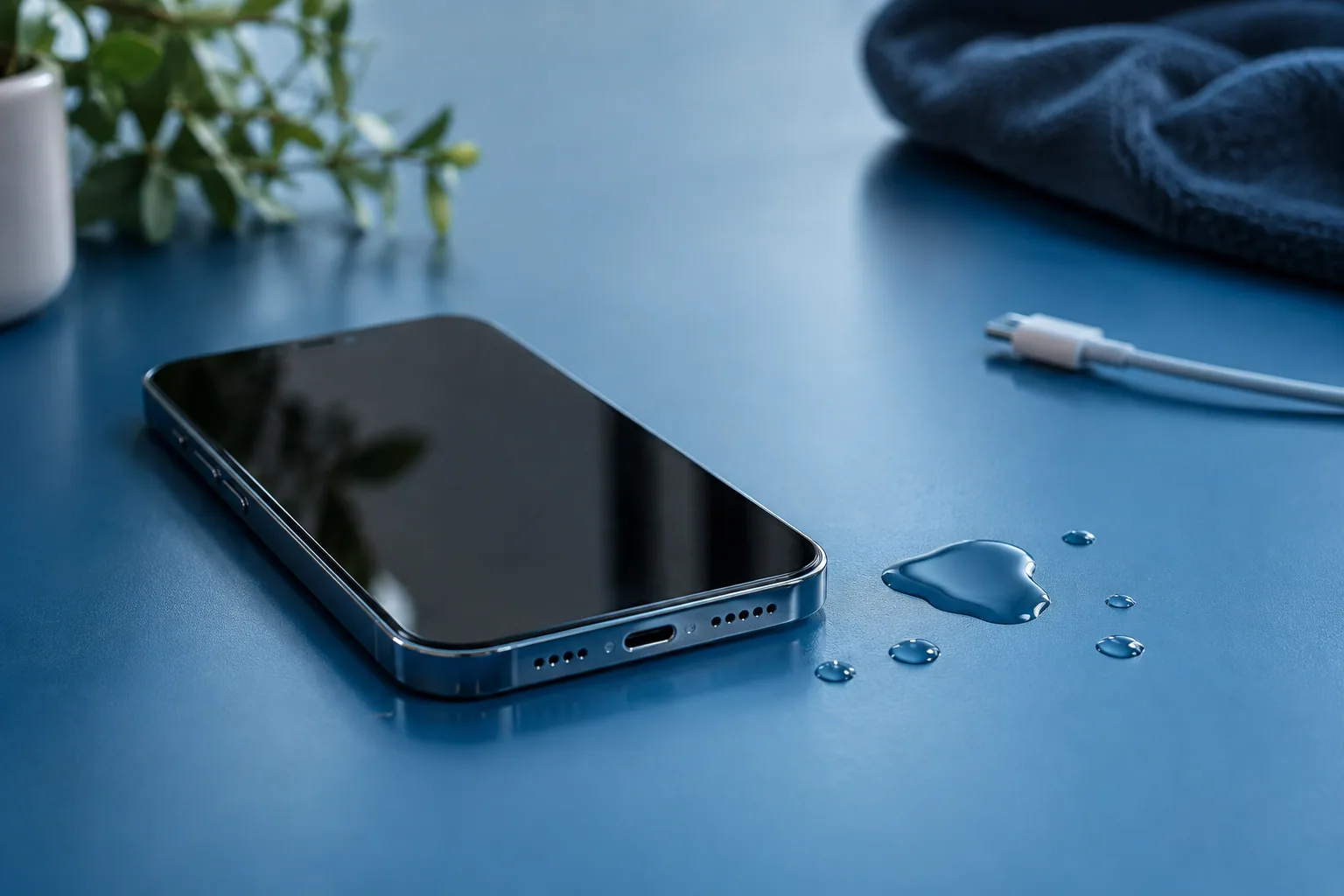
Unplug accessories. No rice, no heat source and nothing pushed into the port. A persistent warning or malfunction calls for advice.
Unplug accessories and observe
If a cable is plugged in, unplug it. A liquid warning means you shouldn’t keep charging by cable until the port and accessories are dry. For iPhone, Apple recommends a dry, well-ventilated place.
Note what happened: splash or immersion, type of liquid, roughly how long and which functions stopped working normally. These details help a professional, but don’t predict the state of the internal components.
Avoid improvised fixes
Apple advises against rice, external heat sources, compressed air and putting objects in the port. Follow the official procedure for your model rather than a tip found out of context.
A device that looks dry on the outside is no proof that everything works normally inside. Avoid repeated tests to reassure yourself, especially if a warning or abnormal behaviour persists.
Drying is not repairing
Letting a port dry is not the same as repairing damage. The phone may show other symptoms: a glitchy screen, no charging or no startup. Describe them separately when you get in touch.
Don’t assume water resistance makes every situation harmless. The conditions of the contact and the physical state of the device matter. The manufacturer remains the reference for the model’s limits.
Ask for advice without expecting a promise
If the problem persists, explain the context before asking for a repair. Whether a repair is feasible, and the diagnosis, cannot be guaranteed from a message or a photo alone.
Also say how important your data is and whether a backup exists. A professional needs to understand your priorities before suggesting next steps. Data recovery should never be taken for granted.
Need a diagnosis in Brussels?
Tell Magic Mobile the model, the liquid involved and the current behaviour. Whether we can help must be confirmed; no repair after liquid damage is guaranteed. Workshop Magic Mobile : Rue des Vétérinaires 90, 1070 Anderlecht (near Brussels-Midi station & Saint-Gilles) · Phone/WhatsApp +32 499 84 51 07 · Free quote (4.7/5 · 160+ Google reviews).
See how we can helpSources and notes
Checks depend on the model. Read your manufacturer’s instructions before doing anything.