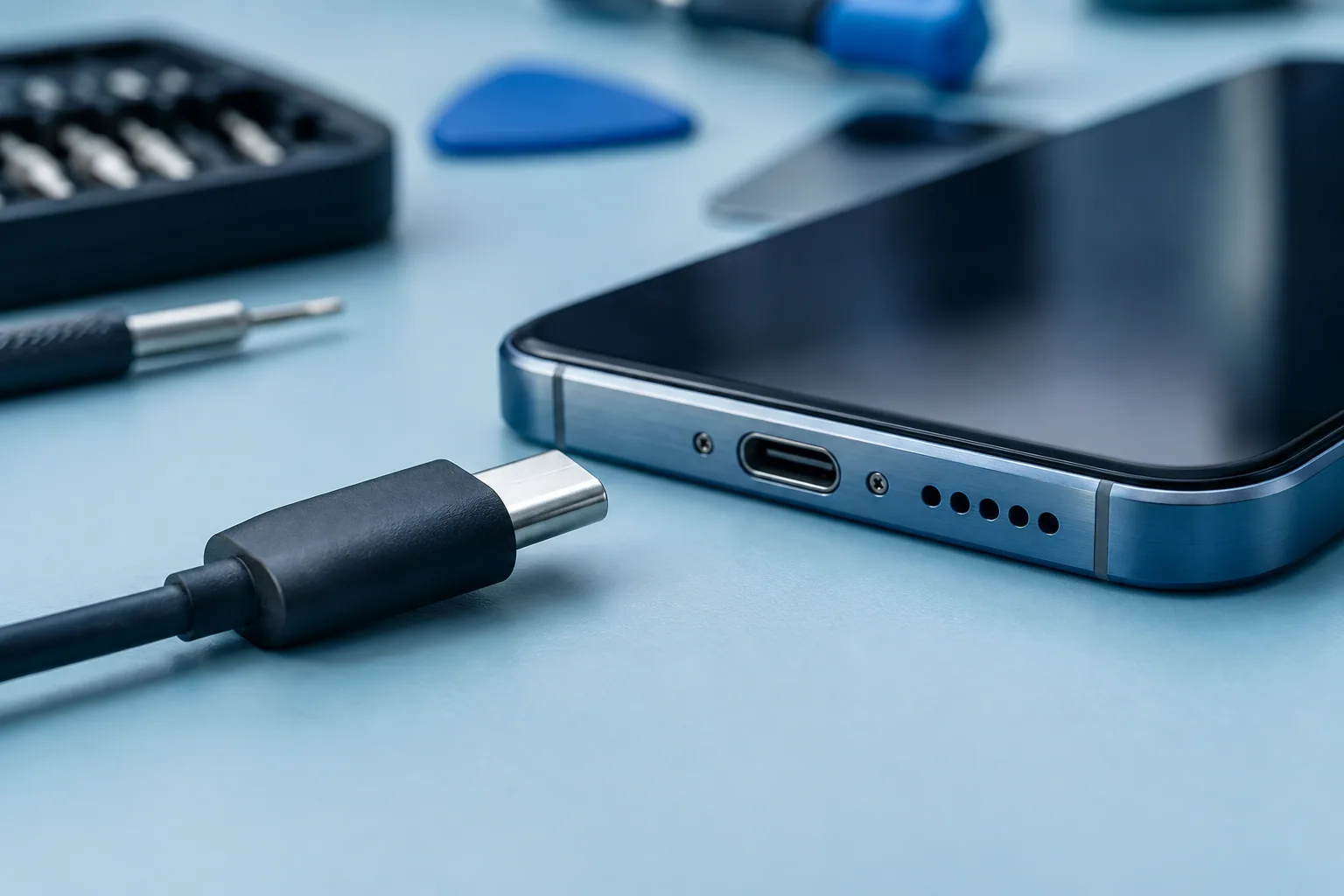
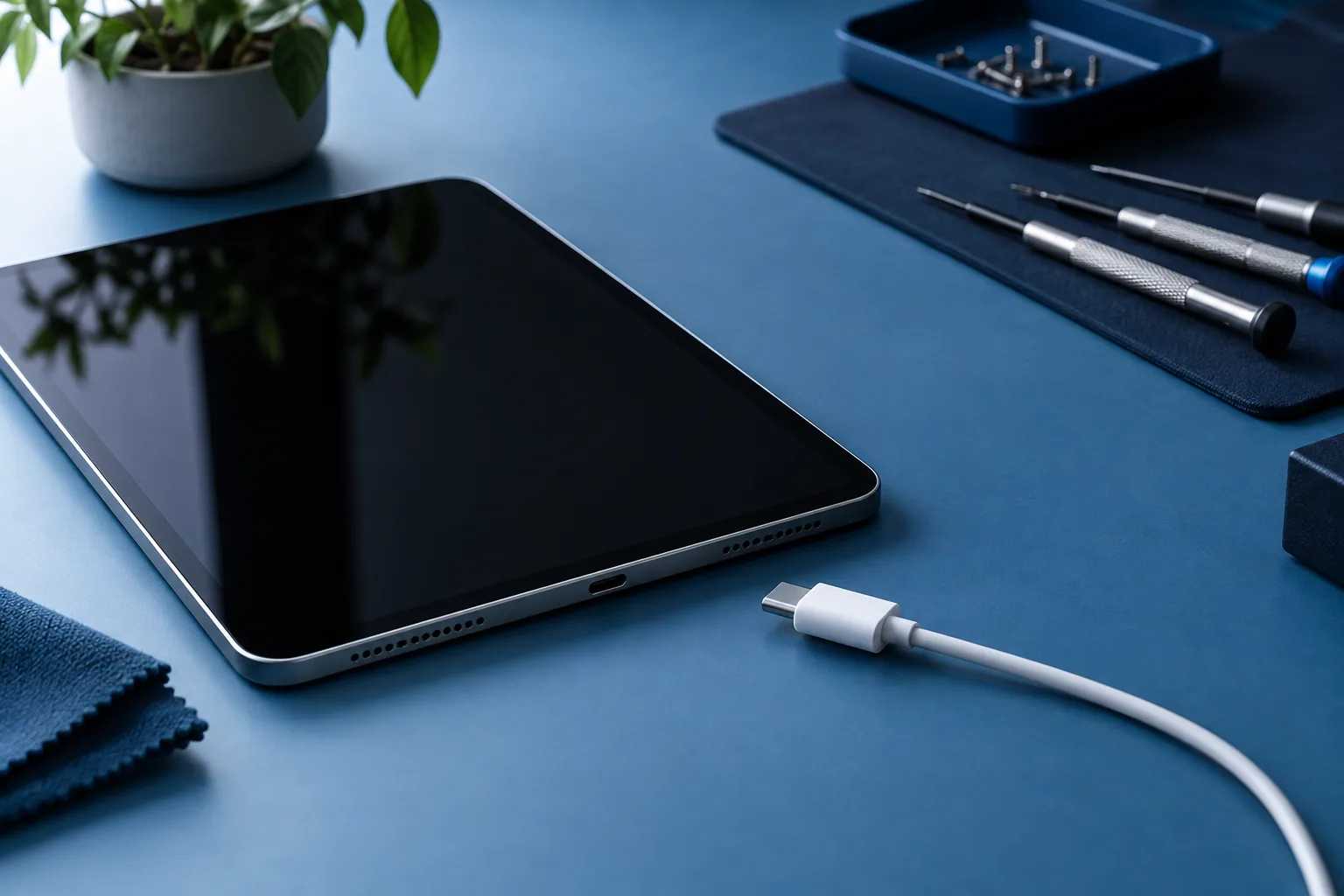
Check the power source and the accessories suited to the model. Note charging problems and battery life separately.
Describe the symptom without guessing the cause
Does the tablet recognise no charger at all, charge very slowly or drain fast once unplugged? Note these behaviours separately. A battery-life problem doesn’t automatically mean the charging port is damaged.
Give the brand and the exact model. Tablets that look alike can use different accessories or procedures. The model reference lets us check the repair and the right instructions.
Check the accessories and the power source
For an iPad, Apple recommends a compatible cable and power source, then trying another adapter or cable if needed. A computer used as a power source must be switched on and able to charge.
Change one thing at a time and watch for a charging icon. If the port looks damaged, a cable has to be held at an angle or the device is damp, don’t insist. Describe the situation to a professional.
Consider temperature and startup
A tablet that is too hot or too cold may not charge normally. A black screen on a heavily drained device doesn’t immediately mean a permanent fault either. Follow the manufacturer’s instructions.
If a restart is recommended, use the exact procedure for the model. Button combinations differ, including between iPads with or without a Home button. Avoid commands whose effect you don’t understand.
Prepare your repair request
Give the model, the accessories tested, whether a charging symbol appears and how battery life has changed. Mention any drop and the physical condition of the tablet. This information helps choose the right checks.
The quote depends on the diagnosis and the part needed. Also ask how to drop off the device and, if it suits you better, whether an at-home repair in Brussels is possible. That option must be confirmed for your case.
Need a diagnosis in Brussels?
Magic Mobile looks at tablet charging and battery-life problems in Anderlecht. Some at-home repairs in Brussels may be possible after confirmation. Workshop Magic Mobile : Rue des Vétérinaires 90, 1070 Anderlecht (near Brussels-Midi station & Saint-Gilles) · Phone/WhatsApp +32 499 84 51 07 · Free quote (4.7/5 · 160+ Google reviews).
See how we can helpSources and notes
Checks depend on the model. Read your manufacturer’s instructions before doing anything.